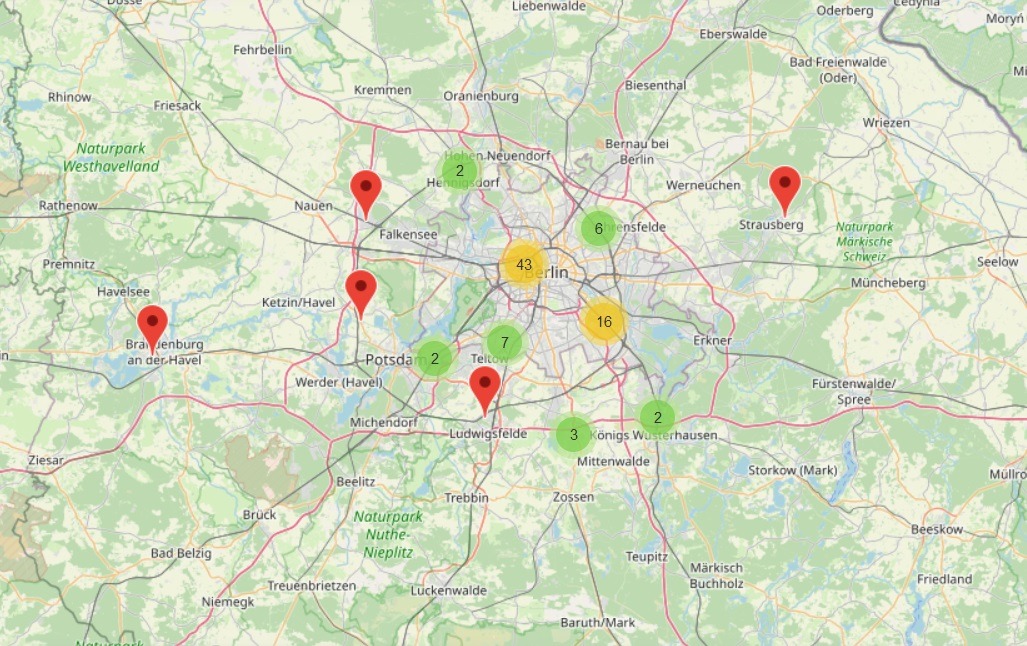
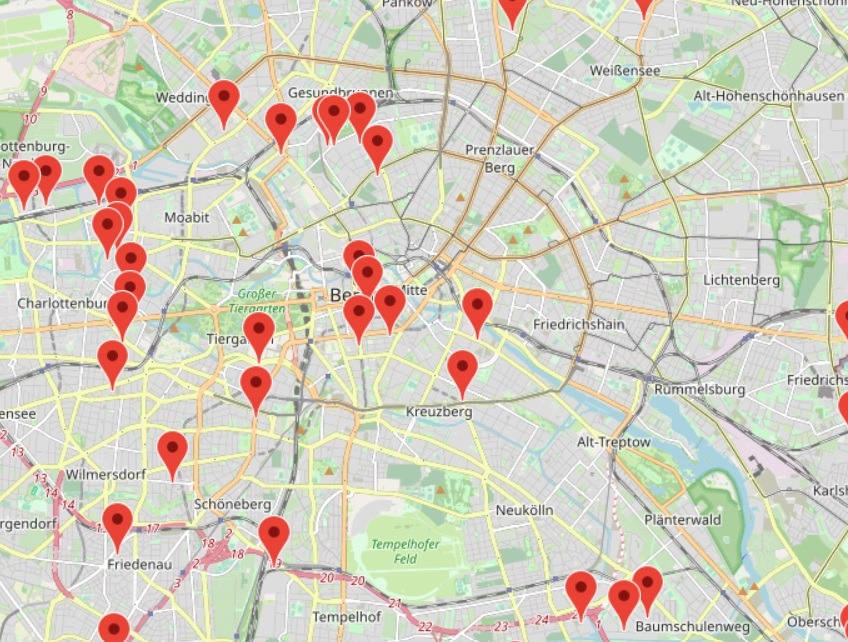
1. Zoom in until the red markers are visible. Each marker represents a company-location.
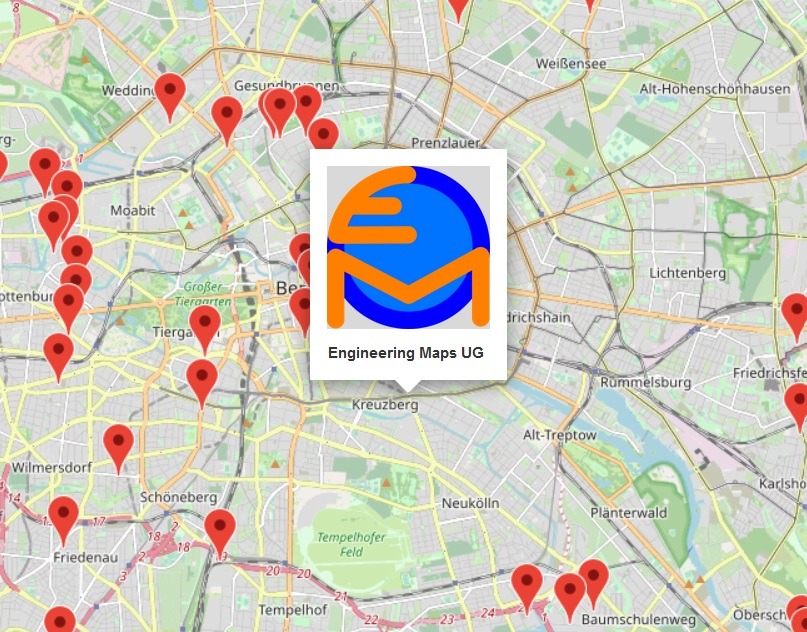
2. Click on a location-marker: A pop-up opens, showing the company name and logo
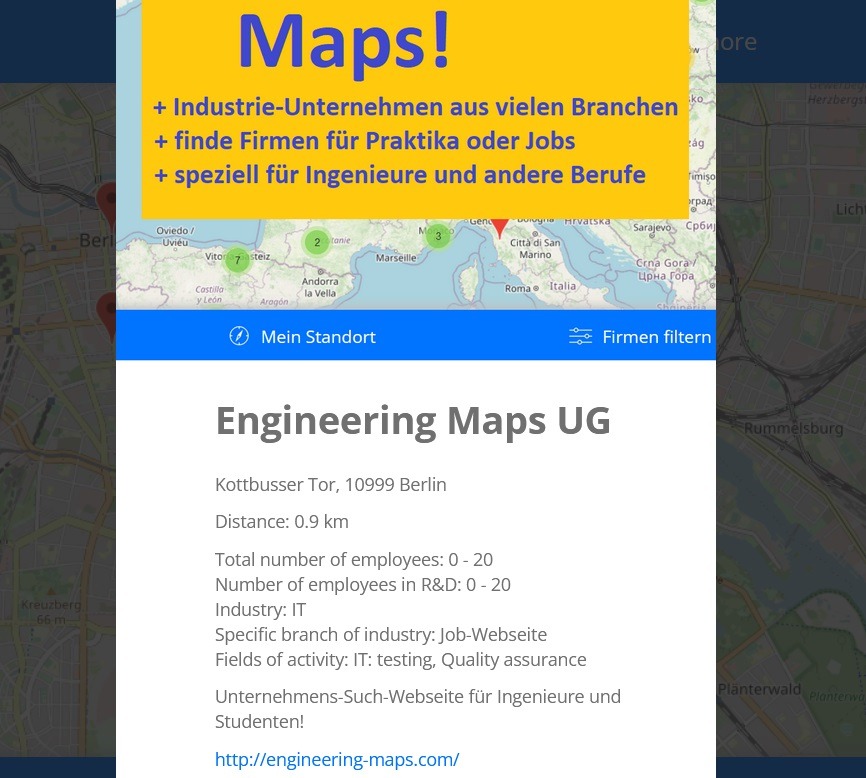
3. Click on the pop-up: A window opens, showing all information regarding that company-location.
4. To filter all company-locations, click on ‘Filter Companies’. There you can filter for industry, company-size and field of activity. Moreover, you can select if you want to show only locations with active job-offers.
5. When you want to add your company, click on ‘Add a Company!’.